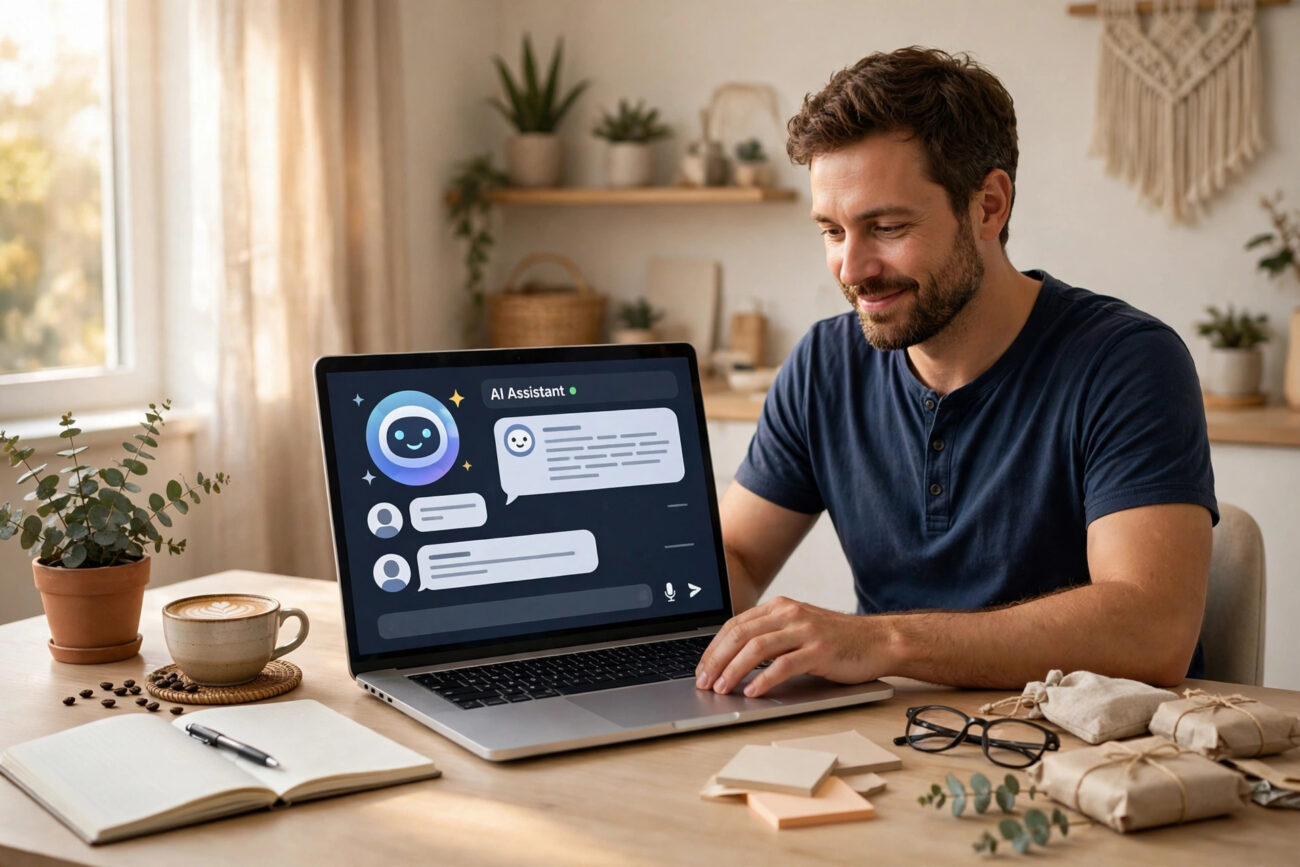
Learning how small businesses can use AI tools is no longer a question for the future. The tools are cheap, they need no coding, and they fit the jobs small teams already do every day. A bakery owner can draft a reply to a catering inquiry in two minutes. A plumber can turn a voice note from a job site into a clean invoice. A boutique can answer the same five customer questions while the owner sleeps. This guide shows you exactly where AI helps, which tools to try first, what it costs, and how to start in 30 days without risking your customer data or your reputation.
You will learn the most useful ways small businesses use AI today, the tools that fit each job, realistic prices, a simple 30 day starter plan, and the safety rules that keep your business out of trouble.
What Are AI Tools for Small Business?
AI tools for small business are software programs that use artificial intelligence to do work a person would otherwise do by hand. Most of them are simple to use. You type a request in plain English, and the tool drafts, sorts, summarizes, or answers for you. You stay in charge, and you check the result before it goes anywhere.
There are four kinds worth knowing. General AI assistants such as ChatGPT, Claude, Gemini, and Microsoft Copilot handle writing, brainstorming, and answering questions about documents you give them. Built in AI lives inside software you may already pay for, such as QuickBooks, HubSpot, Mailchimp, Google Workspace, and Microsoft 365. Specialist tools do one job well, such as answering customer chats or transcribing meetings. Most small businesses need only the first two kinds to start.
Recent surveys show adoption is rising fast. The U.S. Chamber of Commerce reported in 2026 that about two thirds of small businesses now use AI in some form, up from roughly a third in 2023. The gap is an opportunity: a small business that starts now is still early, and the tools are at their cheapest and simplest point.
How Small Businesses Can Use AI Tools
AI works best on work that repeats, follows a pattern, and eats your time. Here are the uses that pay off first for most small businesses, with a real example for each.
1. Answer common customer questions
Most customer questions repeat: your hours, your prices, your delivery area, your return policy. An AI chat tool trained on your own help pages can answer these instantly, day or night, and pass the unusual questions to you. A florist in Ohio, for example, can let the chatbot answer delivery questions while she arranges orders, and only step in when a customer asks for a custom wedding quote. Start with the questions you answer five times a week or more.
2. Write first drafts of emails, quotes, and posts
AI is good at first drafts and bad at final judgment. Use it to draft a quote email, a job ad, a product description, or a social media post, then edit it in your own voice before sending. A landscaping company can draft ten seasonal service reminders in an afternoon instead of one. The rule is simple: AI writes the draft, a person sends the message.
3. Summarize meetings, calls, and long documents
Meeting tools such as Fathom and Otter record a call and produce notes, action items, and a short summary. Instead of spending 30 minutes writing up a client meeting, you get a clean summary in two minutes and spend your time on the follow up. The same trick works on long supplier contracts and email threads: ask the assistant for the key points and the deadlines.
4. Keep the books tidy
Accounting software now uses AI to sort receipts, match bank transactions, and flag expenses that look wrong. A cafe owner can photograph receipts at the counter and let the software categorize them, instead of facing a shoebox of paper at tax time. Surveys suggest accounting automation can save a small business thousands of dollars a year in bookkeeping time.
5. Plan marketing and social media
AI can turn one idea into a week of content: a blog outline, three social posts, and an email newsletter, all from the same starting point. A gym can ask for a month of class promotion ideas, pick the best five, and schedule them. Keep the posts in your voice, and never let AI invent a discount or a claim you cannot honor.
Best AI Tools for Small Businesses
The table below matches common small business jobs to the tools that fit them, with typical prices checked in late 2026. Prices change often, so confirm them on the vendor’s pricing page before you buy.
| Job | Tool type | Popular options | Typical cost |
|---|---|---|---|
| Writing and general help | General AI assistant | ChatGPT, Claude, Gemini, Copilot | $20 to $25 per user per month on business plans |
| Customer chat | AI chat widget | Tidio, Intercom, HubSpot | Free to start, about $25 to $40 per month for AI replies |
| Marketing and email | Email and social tools | Mailchimp, Buffer, HubSpot | Free tiers available, paid plans from about $13 per month |
| Meeting notes | Transcription | Fathom, Otter | Free tier, paid plans from about $16 per month |
| Bookkeeping | Accounting AI | QuickBooks, Xero, Zoho Books | Included in most paid plans, from about $20 per month |
| Connecting apps | Automation | Zapier, Make | Free tier, paid plans from about $20 per month |
Notice the pattern: a useful starter setup costs about $20 a month for one assistant, and a full paid set of job tools runs roughly $130 a month. You do not need all of them on day one. Start with one assistant, use it for 30 days, and add a second tool only when a specific job keeps coming back.
How Much Does AI Cost for a Small Business?
For most small businesses, AI costs between $20 and $150 a month in the first year. The exact number depends on how many people use it and which jobs you automate.
A single business plan for a general assistant, such as ChatGPT Business or Claude Team, costs about $20 per user per month on annual billing, or $25 month to month. Microsoft 365 Copilot Business is listed near $21 per user per month, with promotions bringing it lower at times. Google’s Gemini is included in some Google Workspace business plans, so if you already pay for Workspace, you may pay nothing extra to start.
Free plans are fine for trying a tool, but they are not right for business work. Free plans usually lack the data protections that business plans include, such as a promise not to train models on your content and admin controls over who can use the tool. When customer names, order details, or financial information are involved, use a paid business plan. The U.S. Small Business Administration’s advice matches this: start small, test free or low cost tools, and expand only when you can measure the value.
How to Start Using AI in 30 Days
Here is a simple plan that keeps cost and risk low. It is the same shape recommended by the SBA and by most small business AI guides: one task, one tool, one month of measurement.
Week 1: Pick one task and write the rules. Note the tasks you repeat, then choose one that takes at least two hours a week, is easy to check, and will not cause serious harm if the AI gets it wrong. Write down how long it takes now, so you can measure the saving later. Then write a one page AI policy in plain language: what staff may put into AI tools and what must stay out, such as customer names, card numbers, health details, and passwords. Everyone who uses the tools reads it.
Week 2: Test one tool. Try one mainstream assistant on the chosen task, using sample data or real data with private details removed. Ask it to do the task five times and check every result. If it is wrong or clumsy, change your instructions before you blame the tool: a clear brief with the facts, the format, and the limits produces far better results than a vague request.
Week 3: Use it for real. Use the tool on the real task every day, with a person checking every output before it reaches a customer. Keep a simple log of time spent, errors found, and time saved compared with week one.
Week 4: Decide. Compare the numbers. If the tool saves real time and the error rate is low, keep it and pay for the business plan. If it does not, try a different task or a different tool, and only then consider a second one.
Risks and Rules: Using AI Safely
AI saves time, but it brings real risks, and the smartest move is to plan for them from day one.
Customer data: Never paste customer names, card numbers, addresses, health details, or other private information into a free AI tool. Use a business plan with data protections, and keep sensitive work in the tools that already hold that data securely. Good password habits matter here too, so review our guide on Samsung Password Manager features if your team still shares logins by text or sticky note.
Wrong or invented answers: AI tools sometimes produce confident sounding information that is simply wrong, including fake prices, fake citations, and fake policy details. Never let AI send a price, a deadline, or a legal claim to a customer without a person checking it. This is the single most important rule in this guide.
Your voice and reputation: Customers can tell when every message sounds the same. Edit AI drafts into your own voice, keep your local knowledge in them, and never publish an AI draft that mentions a product, price, or event you cannot confirm. Do not feed other people’s copyrighted material into AI tools, and do not publish AI text that copies a competitor’s page.
Staff and training: A tool nobody understands is a tool nobody uses well. Give the team one short training session, a few example prompts that work for your business, and a named person to ask when something looks wrong.
Pros and Cons of AI for Small Business
Pros: It saves hours on repetitive work, answers customers outside office hours, lowers the cost of marketing and admin, and starts at about $20 a month with no coding needed.
Cons: It can produce wrong or invented information, it raises real data privacy questions, it needs a human to check its work, and it can make your messages sound generic if you do not edit them.
The balance is favorable for most small businesses, as long as the human stays in charge. AI is a junior assistant that works fast and never sleeps. It is not a replacement for your judgment, your relationships, or your knowledge of your customers.
Frequently Asked Questions
What is the best AI tool for a small business?
For most small businesses, the best first tool is one general AI assistant, such as ChatGPT Plus or Claude Pro on a business plan, at about $20 a month. Add the AI already inside your office or accounting software, then add a specialist tool only when one job keeps coming back. The best tool is the one your team will actually use every day.
How much does AI cost a small business each month?
A single business assistant costs about $20 to $25 per user per month. A full paid set of tools for writing, support, marketing, and bookkeeping runs roughly $130 a month. You can start at $0 extra if the AI is already included in software you pay for, such as Google Workspace or Microsoft 365. Custom AI built for one business starts in the tens of thousands of dollars and is rarely needed.
Do I need technical skills to use AI in my small business?
No. ChatGPT, Claude, Copilot, Gemini, and the AI features inside QuickBooks, HubSpot, and Mailchimp are all no code tools. You type a request in plain English and check the result. The skill that matters most is writing a clear brief: what the job is, what facts to use, and what the result should look like.
Is it safe to put customer information into AI tools?
Not into free or personal plans. Use a paid business plan that promises not to train its models on your content and gives you admin controls. Even then, keep the most sensitive details out: card numbers, passwords, health information, and government ID numbers should never go into an AI tool. The SBA gives the same warning in its guidance for small businesses.
Can AI replace my employees?
For most small businesses, no. AI replaces repetitive tasks, not people. It drafts the email, but a person checks it and keeps the relationship with the customer. Businesses that use AI well redeploy the saved hours into work that needs a human: selling, solving unusual problems, and looking after customers.
How do I measure whether AI is working for my business?
Measure the whole job, including corrections. Record how long the task took before AI and how long it takes now, including the time spent checking and fixing the output. If the total time falls and quality holds steady for a month, the tool is working. If it does not, change the task or the tool.
Related Reading
- Understanding iOS 26.2 Emergency Alerts and How to Customize Them
- Top Features of Samsung Password Manager You Should Know
Learn more about official small business guidance on AI from the U.S. Small Business Administration and the general background on artificial intelligence on Wikipedia.
Conclusion
Small businesses can use AI tools best by starting small: one repeated task, one business plan assistant, one month of honest measurement. The tools are cheap, the setup takes an afternoon, and the savings show up in hours you can spend on customers instead of paperwork. Pick your first task this week, write your one page policy, and let a person check every result. That is the whole secret, and it works for a bakery, a plumbing firm, or a boutique alike.
