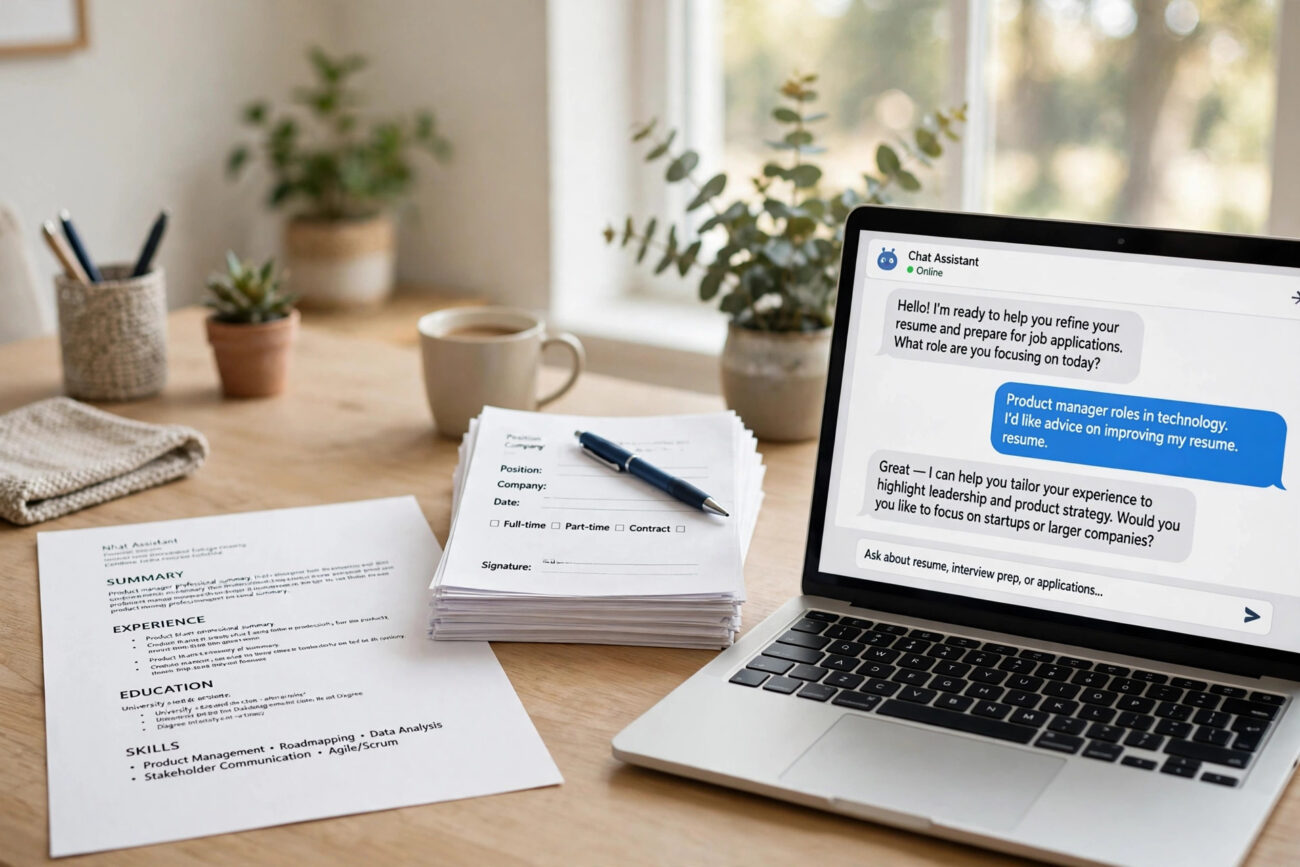
Ask ChatGPT to “write me a resume” and you will get something polished that says almost nothing true about you. Walk it through your real facts step by step, and it becomes a fast, capable editor. Learning how to use ChatGPT to write a resume is less about the AI and more about the process: gather your real history first, draft one section at a time, tailor it to the job, and check every line before you apply. This guide shows you that process in eight steps, with prompts you can copy, mistakes to avoid, and honest answers about recruiters, applicant tracking systems, and privacy.
What Is ChatGPT Resume Writing?
Using ChatGPT to write a resume means using the AI as a writing assistant for your job application. You supply the facts: your employers, job titles, dates, skills, and results. ChatGPT turns those facts into clear summaries, strong bullet points, and tailored wording that matches a job description. It can also proofread, shorten a two page draft to one page, and suggest keywords from a posting.
How ChatGPT Helps With Each Part of a Resume
A resume has a few standard sections, and ChatGPT is useful for each of them in a different way. Understanding what it does well, and where it falls short, keeps your expectations realistic.
Professional summary. ChatGPT is good at turning a messy paragraph about your career into two or three tight sentences. Give it your job title, years of experience, and one real result, and ask for three versions to choose from.
Work experience bullets. This is where ChatGPT helps most. Describe a duty in plain words, and it can rewrite it as a result first bullet with a strong action verb. “Helped with customer complaints” becomes “Resolved 20 plus customer issues a week, cutting repeat complaints by a third,” but only if you supply the real numbers.
Skills section. ChatGPT can pull the skills, tools, and keywords from a job description and compare them with your experience, showing you which ones you already have and which ones the posting asks for. It cannot decide which skills you truly have. Only you can.
Tailoring to a job. Paste a job description and ask ChatGPT to suggest wording changes that match the posting, using only facts from your resume. This is one of the highest value uses, because matching the employer’s language is what gets a resume past the first screen.
How to Use ChatGPT to Write a Resume Step by Step
Work in one chat, one section at a time, so every prompt inherits the rules you set at the start. The full process takes about an hour for a first resume, and much less for updates later.
Step 1: Build a fact sheet first
Before you open ChatGPT, write down the facts it cannot guess. For each job: employer name, job title, city, start and end dates, and two or three results you can prove. Add your education, certifications, tools, and skills. A good fact sheet is boring and precise. It is also the most important part of the whole process, because every later step depends on it. Leave any gap blank for yourself to confirm later, and never let ChatGPT fill a gap with a guess.
Step 2: Set the honesty rule for the whole chat
Start the chat with a rule that makes ChatGPT ask before it invents. Paste this: “You are helping me write my resume. Use only the facts I give you in this chat. If you need any information I have not provided, ask me for it before writing anything. Do not invent employers, job titles, metrics, or dates.” This one prompt prevents the most common and most damaging problem: made up numbers that you would have to defend in an interview.
Step 3: Draft the professional summary
Paste your fact sheet and ask: “Write three professional summaries of two sentences each for a [job title] role, with [X] years of experience in [industry]. Use this real result: [result]. Plain tone, no words like passionate or results driven.” Pick the version that sounds most like you, then edit it in your own words. A summary should name your role, your experience, and one concrete strength, nothing more.
Step 4: Turn duties into achievement bullets
For each job, describe what you did in plain words and ask ChatGPT to turn each duty into a short bullet that leads with the result. Keep every number exactly as written. Ask for one line per bullet, and tell it to keep a bullet factual rather than inventing a result when there is none. Three or four strong bullets per job beat eight vague ones. Recruiters read for evidence, not for volume.
Step 5: Build the skills section from the job description
Paste the job description and ask: “List the 10 most important keywords in this posting, skills, tools, and job titles, in the posting’s exact words, ranked by importance.” Then compare that list with your fact sheet and keep only the skills you genuinely have. This step is how you match the employer’s language without lying about your experience. It also shows you which requirements you already meet and which ones to leave out.
Step 6: Tailor the draft to the posting
Ask ChatGPT to rewrite your bullets using the posting’s vocabulary, without adding any new claims. Then read the result against your fact sheet. Every line must still be true. Tailoring means changing the wording, not changing the facts. A tailored resume should read like it was written for this one job, because it was.
Step 7: Fact check every line
Do not copy the first AI response directly into an application. Check each line against your original notes and the job description. Look for invented metrics, tools you never used, dates that shifted, and responsibilities that sound impressive but were never yours. If a bullet has no result, ask ChatGPT to mark it “needs metric” instead of filling in a plausible sounding figure. Fabricated numbers are the fastest way to lose credibility in an interview.
Step 8: Format it in a real template
Move the approved text into a single column template with standard section headings: Summary, Experience, Skills, Education. No tables, no text boxes, no header or footer contact details, no graphics. Save it as a PDF unless the application asks for a DOCX file. Then test the final PDF by copying the text out of it. If the text comes out in the wrong order or garbled, the format will confuse an applicant tracking system too. Fix the template, not the text.
ChatGPT Resume Prompts Worth Copying
Each prompt follows the same pattern: your real content, a clear task, and hard limits. Replace the text in brackets with your own details.
Turn duties into bullets: “Turn these duties into 3 short resume bullets. Lead each bullet with the result. Keep every number exactly as written. Do not add skills, tools, or results I did not mention. Duties: [paste your plain description].”
Sharpen old bullets: “Rewrite these resume bullets with stronger action verbs and clearer achievements. Keep the facts and numbers exactly the same. Do not add anything new. Bullets: [paste bullets].”
Write a cover letter opening: “Write the first paragraph of a cover letter for the [job title] role at [company]. Mention [one real fact about the company] and connect it to my experience in [area]. Keep it under 80 words.”
Find gaps against a posting: “Compare my resume below with this job description. List the requirements I already meet, the ones I partly meet, and the ones I do not meet. Do not rewrite my resume, only report the gaps. Resume: [paste]. Job description: [paste].”
Cut it to one page: “Shorten this resume to one page. Cut repetition and weak bullets first. Keep all dates, titles, and numbers exactly as written. Tell me what you removed and why.”
ChatGPT vs a Resume Builder: Which Should You Use?
| What you need | ChatGPT | Resume builder |
|---|---|---|
| Writing and rewording | Excellent, with your facts and rules | Basic templates and suggestions |
| Layout and PDF export | Cannot do it reliably | Built in, tested templates |
| Tailoring to a posting | Strong, if you paste the posting | Some tools score the match |
| Cost to start | Free plan is enough | Many charge to download |
| Fact checking | None, you must do it yourself | Some check against your profile |
What Does It Cost to Write a Resume With ChatGPT?
The free ChatGPT plan is enough for the whole workflow in this guide: drafting sections, tailoring to postings, and proofreading. You do not need a paid plan to write a good resume. ChatGPT Plus typically costs around $20 per month in the US and offers higher usage limits and access to newer models, which helps if you are applying to many jobs at once and tailoring a resume for each one.
Common ChatGPT Resume Mistakes to Avoid
Letting it invent experience. If you have never used a tool, do not list it. If you do not know the number, do not let ChatGPT estimate one. An invented claim will collapse under the first follow up question in an interview.
Copying the first draft. ChatGPT’s first draft is generic by design. It uses the same phrases for everyone: proven track record, dynamic fast paced environments, passionate team player. Edit the output until it sounds like you, with your words and your numbers.
Pasting sensitive information. Your resume contains personal information. Remove your home address, ID numbers, and any confidential employer data or client names before you paste anything. For consumer ChatGPT, you can turn off model training on your chats under Settings, then Data Controls, and you can use Temporary Chat, which OpenAI says is not used for training.
Frequently Asked Questions
Can ChatGPT write a resume?
Yes, as a drafting and tailoring tool. Give it a complete record of your real roles, results, and numbers, plus the job posting, and tell it not to add anything that is not in your record. It is good at wording and keyword matching and bad at knowing what you actually did, so the quality of the input decides the result.
Will recruiters know I used ChatGPT for my resume?
Sometimes. AI detection tools are unreliable, but human recruiters spot AI tells in seconds: the same verbs, vague summaries, uniform bullets, and phrases like “proven track record.” If your resume sounds like the median ChatGPT output, recruiters can tell within a few sentences. The fix is not to avoid AI. It is to give it specific real inputs it cannot make up, then edit the output into your own voice.
Do ATS systems penalize AI written resumes?
No. Applicant tracking systems do not detect AI. They scan for keywords and formatting. An AI written resume passes ATS just as well as a human written one. The problem is not the parser. It is the human recruiter who reads the resume after ATS passes it through, and who notices generic language and claims that do not hold up.
Is using ChatGPT to write my resume cheating?
No, as long as everything on the resume is accurate. Using AI to format and polish information you provide is the same as using a spell checker or a grammar tool. Using AI to invent metrics, roles, or outcomes you did not actually achieve is fabrication, and it gets caught in the first follow up interview question.
Is it safe to paste my resume into ChatGPT?
Your own career history is generally fine to share, but remove your contact details, ID numbers, and any confidential information about former employers, clients, or colleagues first. Check the tool’s data settings too. OpenAI lets you turn off training on your chats in Settings under Data Controls, and Temporary Chat is not used for training.
Can ChatGPT guarantee my resume passes ATS?
No tool can guarantee that. ChatGPT can flag risky formatting, such as tables, columns, and graphics, and suggest relevant keywords from the posting. The final formatting decision, and the honesty of the content, is yours. A simple single column layout with standard headings is the safest choice.
Conclusion
ChatGPT will not get you a job on its own, and it is not supposed to. What it will do is help you explain your real experience more clearly, in less time, and with less stress. Build your fact sheet first, set the honesty rule, draft one section at a time, tailor each application to the posting, and check every line before you submit. Do that, and your resume will sound like you on your best day, not like everyone else on their most generic one.
Related Reading
- Google Block Breaker: Step-by-Step Setup and Best Practices
- Exploring Inflatom: The New Buzzword in Advanced Technology
- Top Features of Samsung Password Manager You Should Know
For official guidance on data controls and privacy, see the OpenAI Help Center and the Wikipedia overview of applicant tracking systems.
